
Master for Minecraft Mods App: The Ultimate Companion for Every Minecraft Player
Minecraft, with its limitless creativity and world-building potential, continues to captivate millions of players worldwide. One of the reasons Minecraft remains popular is its flexibility, allowing players to customize their experience through various modifications. Master for Minecraft Mods is an app specifically designed to enhance this customization, offering a vast array of tools and options that can take any Minecraft adventure to the next level. Here’s an overview of what makes this app such a must-have for both new and experienced Minecraft players.
What is Master for Minecraft Mods?
Master for Minecraft Mods is an Android application that serves as a comprehensive toolkit for Minecraft players. With this app, users gain access to a wide variety of customizations for their Minecraft worlds, ranging from skins and maps to textures and resource packs. The app’s goal is to make it easy for players to add, modify, and manage different aspects of the game without needing advanced technical knowledge.
Key Features of Master for Minecraft Mods
-
Wide Range of Skins
The app provides a vast collection of skins, allowing players to change the appearance of their character. Whether you’re looking to stand out with a unique look or want to embody a specific persona in the game, there’s a skin for everyone. From superheroes to fantasy characters and animals, you can quickly find a skin that suits your style.
-
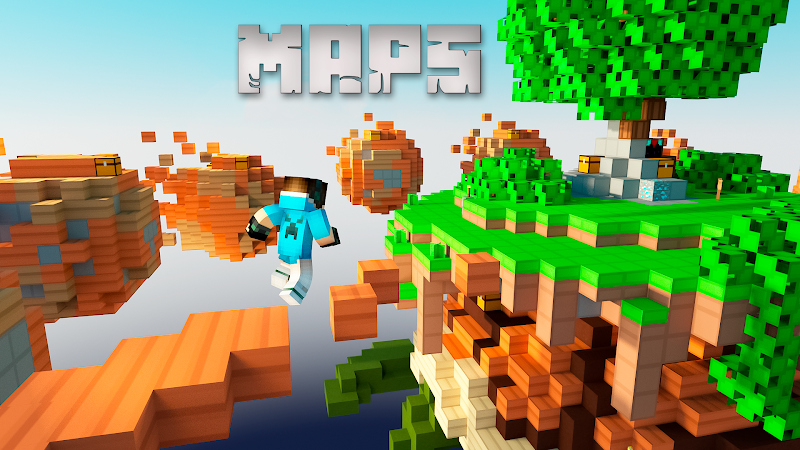
Maps for Every Adventure
One of the most exciting features is the variety of maps available for download. With Master for Minecraft Mods, you can explore new terrains, participate in parkour challenges, venture into survival scenarios, or simply admire intricately designed landscapes. The app caters to different gameplay preferences, offering maps for single-player exploration and multiplayer challenges.
-
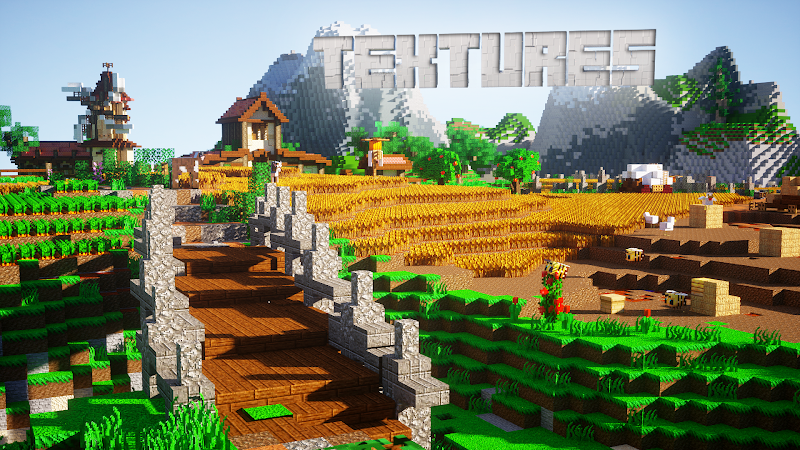
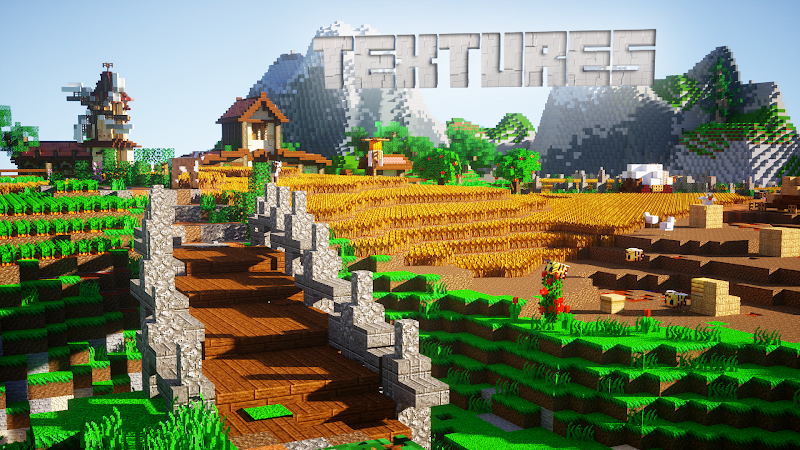
Textures and Resource Packs
For players who want to change the look and feel of their Minecraft worlds, the app offers a variety of textures and resource packs. These packs can transform the game’s graphics, making everything from landscapes to items look more vibrant, realistic, or simply stylized in a way that suits your taste.
-
Exciting Weapons and Tools
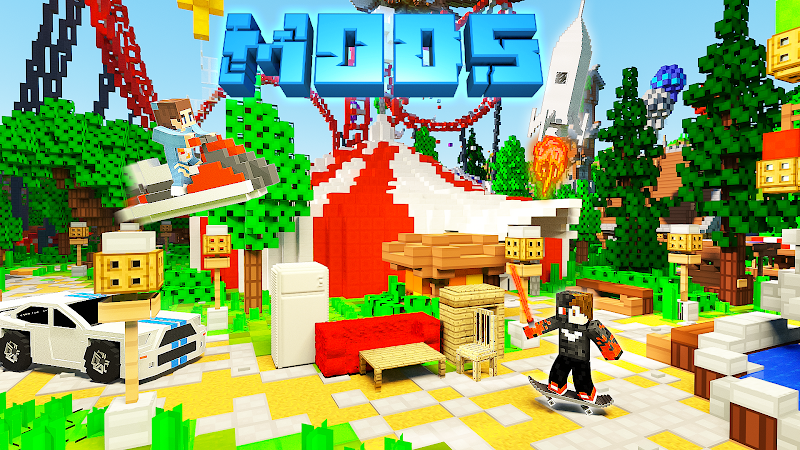
Another popular feature is the selection of new weapons and tools. With Master for Minecraft Mods, you can add unique items like laser guns, magical staffs, or even powerful custom swords to your Minecraft world. These tools not only look impressive but often come with special abilities, providing more depth to the gameplay.
-
Easy Installation and User-Friendly Interface
One of the biggest advantages of using Master for Minecraft Mods is its simple installation process. The app’s intuitive interface allows players to browse and install various options with just a few taps. There’s no need to navigate complicated file systems or manage code—everything is laid out in a user-friendly way to ensure easy access and quick installation.
-
Frequent Updates
The developers behind Master for Minecraft Mods regularly update the app to introduce new items, fix bugs, and improve compatibility with the latest versions of Minecraft. This commitment to ongoing development ensures that the app stays relevant and useful as Minecraft itself evolves.
How to Use Master for Minecraft Mods
Using Master for Minecraft Mods is simple. After downloading the app from the Google Play Store, users can browse through various categories like skins, maps, and textures. Once you find something that catches your eye, simply click “install,” and the item will be ready to use in your Minecraft game. Make sure your game is updated to the latest version to ensure compatibility with the mods available in the app.
Why Choose Master for Minecraft Mods?
Master for Minecraft Mods is ideal for anyone looking to customize and enhance their Minecraft experience. It brings an organized selection of tools and resources together in one convenient app, saving players time and effort. Rather than searching across multiple sites or forums, you have access to a wide range of options in one place, all curated for quality and ease of use.
Final Thoughts
Whether you’re a long-time Minecraft enthusiast or a newcomer, Master for Minecraft Mods is a fantastic resource to elevate your gameplay experience. The app offers endless possibilities to express creativity, improve aesthetics, and add fresh challenges to Minecraft. By making customizations accessible and easy to manage, Master for Minecraft Mods empowers players to make their game worlds truly unique. So, dive in, experiment with different options, and discover new dimensions in Minecraft with this powerful app at your fingertips.
Download Master for Minecraft Mods today and start transforming your Minecraft journey!