
If you’ve been scrolling through clips lately, you’ve probably seen players running around with hilariously oversized heads in Fortnite. It’s goofy, chaotic, and honestly one of the most entertaining ways to experience the game again. While there’s no official “Big Head Mode” button, there is a clever way to recreate this effect using Creative maps and fun challenges.
Let’s break it all down so you can jump in and enjoy the experience.
What Is Fortnite Big Head Mode?
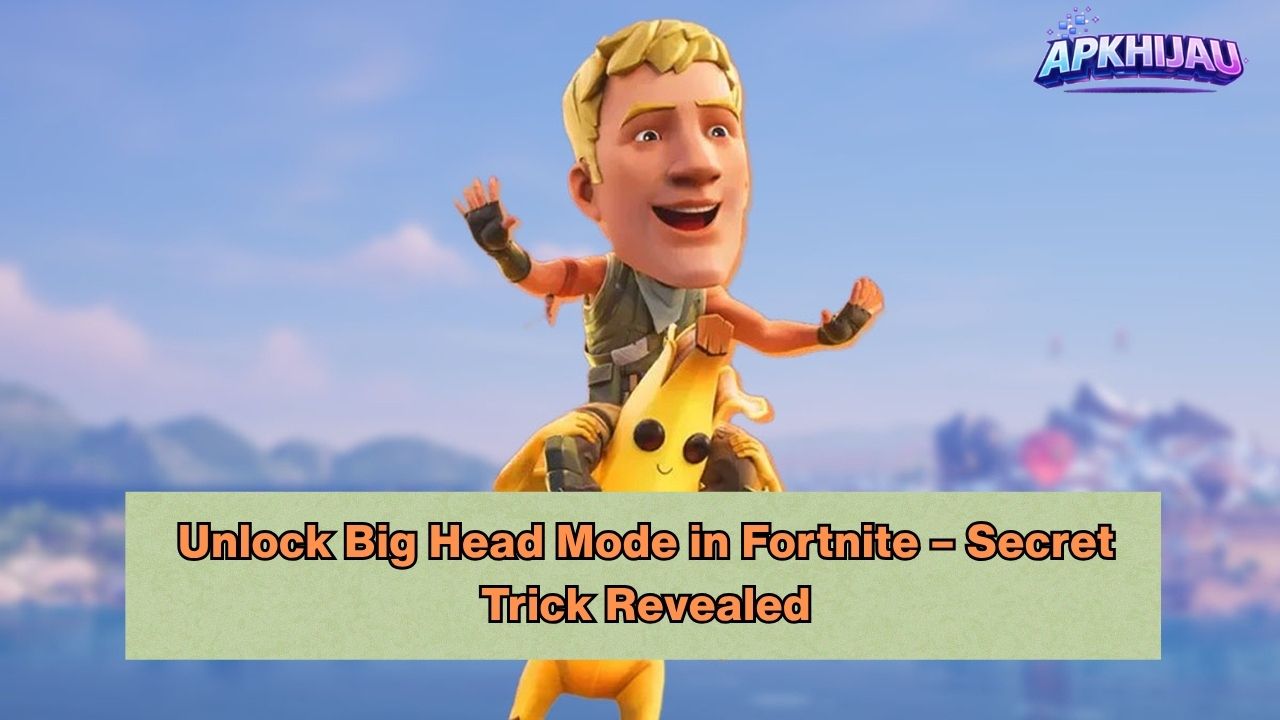
“Big Head Mode” isn’t a built-in setting. Instead, it’s a community-created experience that exaggerates character proportions for comedic gameplay. The result is a completely different vibe compared to normal matches.
- Giant heads that are impossible to ignore
- More laughs during matches
- Unexpectedly tricky aiming situations
- A fresh and entertaining way to play
It’s less about competition and more about having fun.
Fortnite Big Head Gameplay and Funny Moments
One of the biggest reasons this trend is so popular is how entertaining it looks in action. Imagine trying to stay hidden, but your oversized head gives away your position every time.
Here’s what makes it so enjoyable:
- Players peeking corners with oversized heads
- Close-range encounters that feel chaotic and unpredictable
- Teammates reacting and laughing throughout the match
- Situations where visibility completely changes gameplay
Many players turn these moments into short clips or compilations because the results are naturally entertaining.
How to Play Fortnite Big Head Mode (Settings Guide)
You won’t find this in the standard settings, but you can recreate the experience using Creative Mode. Here’s a simple guide to get started.
Step-by-step setup
- Launch Fortnite and go to Creative Mode
- Enter a custom map code
- Join the map lobby
- Look for maps labeled:
- Big Head
- Funny Mode
- Custom Effects
- Start the game and follow any on-screen instructions
Optional tweaks (if supported by the map)
- Adjust player size or scale
- Enable special modifiers
- Try different camera perspectives
Some maps apply the big head effect automatically, while others allow you to activate it manually.
Fortnite Big Head Challenge – Best Clips Style
If you want to make things more exciting, turn it into a challenge with friends. This adds structure and makes the experience even more engaging.
Fun challenge ideas
- Headshot Only Challenge
- Last Player Standing with big head settings
- No Hiding Challenge where visibility is always high
- Clip Contest to see who captures the funniest moment
These challenges are great for casual play and also work well if you enjoy creating content.
Fortnite Big Head Custom Map Code and Gameplay
The easiest way to experience Big Head Mode is through Creative maps built by the community.
How to use a map code
- Go to the Discover tab
- Select Island Code
- Enter a Big Head map code
- Load into the map and start playing
What to expect from these maps
- Pre-configured big head effects
- Custom-designed arenas
- Mini-games and creative challenges
- Fast-paced and replayable gameplay
Searching for recently updated or trending maps can help you find the best versions available.
Why This Mode Is Perfect for Content
Big Head Mode has become a favorite among players who enjoy sharing gameplay clips. The concept is simple, but the results are consistently entertaining.
- Visually unique gameplay
- Easy for viewers to understand
- Naturally funny situations
- Great for short videos and highlights
Even a short session can produce memorable moments worth sharing.
Final Thoughts
Big Head Mode in Fortnite shows how creative the community can be. It offers a refreshing break from standard gameplay and focuses on fun, creativity, and unexpected moments.
If you’re looking for something different, this is a great way to experience Fortnite from a new perspective. Load up a Creative map, invite some friends, and enjoy a lighthearted twist on the game.


